Blog
TeddyCloud for my kid's Toniebox
I installed TeddyCloud on my kid's Toniebox and ended up with a flexible setup for custom audio and NFC tags.
Contents
- Why I wanted to do this
- The general installation process
- One tip
- Custom tags
- Our local library
- Conclusion
Why I wanted to do this
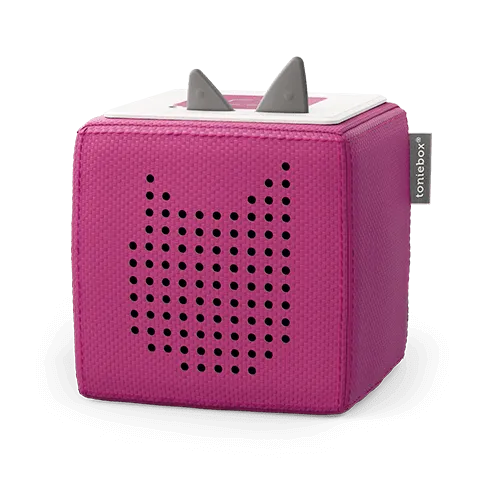
I first heard about TeddyCloud while watching this phenomenal talk about Toniebox Reverse Engineering . As a father of a young child, I was curious. We had seen the Toniebox at a friend’s house before and I knew I wanted to get one anyway. But this talk convinced me to buy one well before my kid was old enough.
The idea of running the cloud part of a Toniebox myself was just too appealing. Partly because I like self-hosting things, but also because it opens up a lot of practical options once the initial setup is done. Especially the option to host my own audio files for my kid to hear, without relying on existing Tonies.
The general installation process
The installation itself was much easier than I had expected. I had to buy a USB-UART adapter, but that was really it.
The nice part is that TeddyCloud guides you through the complete setup in the browser. The serial connection works directly in the browser. I didn’t even know browsers support this. But I had to use Chrome for this, because Firefox did not work for me. The interface shows a step-by-step guide, with helpful pictures, so there is very little guesswork involved.
At a very high level, I opened up the Toniebox, connected the adapter and let TeddyCloud guide me through the setup in the browser. After that the box was talking to my self-hosted TeddyCloud instance. That was honestly much less painful than I had expected beforehand.
I am definitely more of a software guy than a hardware guy, but the whole installation process was very painless.
One tip
In the process of flashing I had to enter a new target address. Initially I used the IP of my local NAS. This turned out to be a bad decision. Because a few weeks later I bought a new NAS and the IP changed, so my Toniebox was unusable. I could have pinned the new NAS to the old IP, but instead I decided to reflash the Toniebox. On my second attempt I used a custom domain. For example something like tc.example.org.
I then added a custom DNS redirect in my local AdGuard instance and pointed that name to the IP I wanted. This way I do not have to reflash if the IP changes in the future. I just update the DNS entry in AdGuard and the Toniebox continues to work.
That turned out to be one of the smartest parts of the whole setup. Opening up the box and reflashing it is tedious, so anything that helps me avoid doing that again is worth it.
Depending on the exact patch or box variant, you may have to keep hostname length restrictions in mind. But the general idea still stands: if you can avoid baking an IP address into the setup, do it.
Custom tags
Once teddyCloud was up and running, the part that became much more fun for everyday use was the custom content. I bought some compatible NFC tags to use for custom content. TeddyCloud lets you assign existing content to any NFC tag. It can even reassign other audio content to existing Tonies.
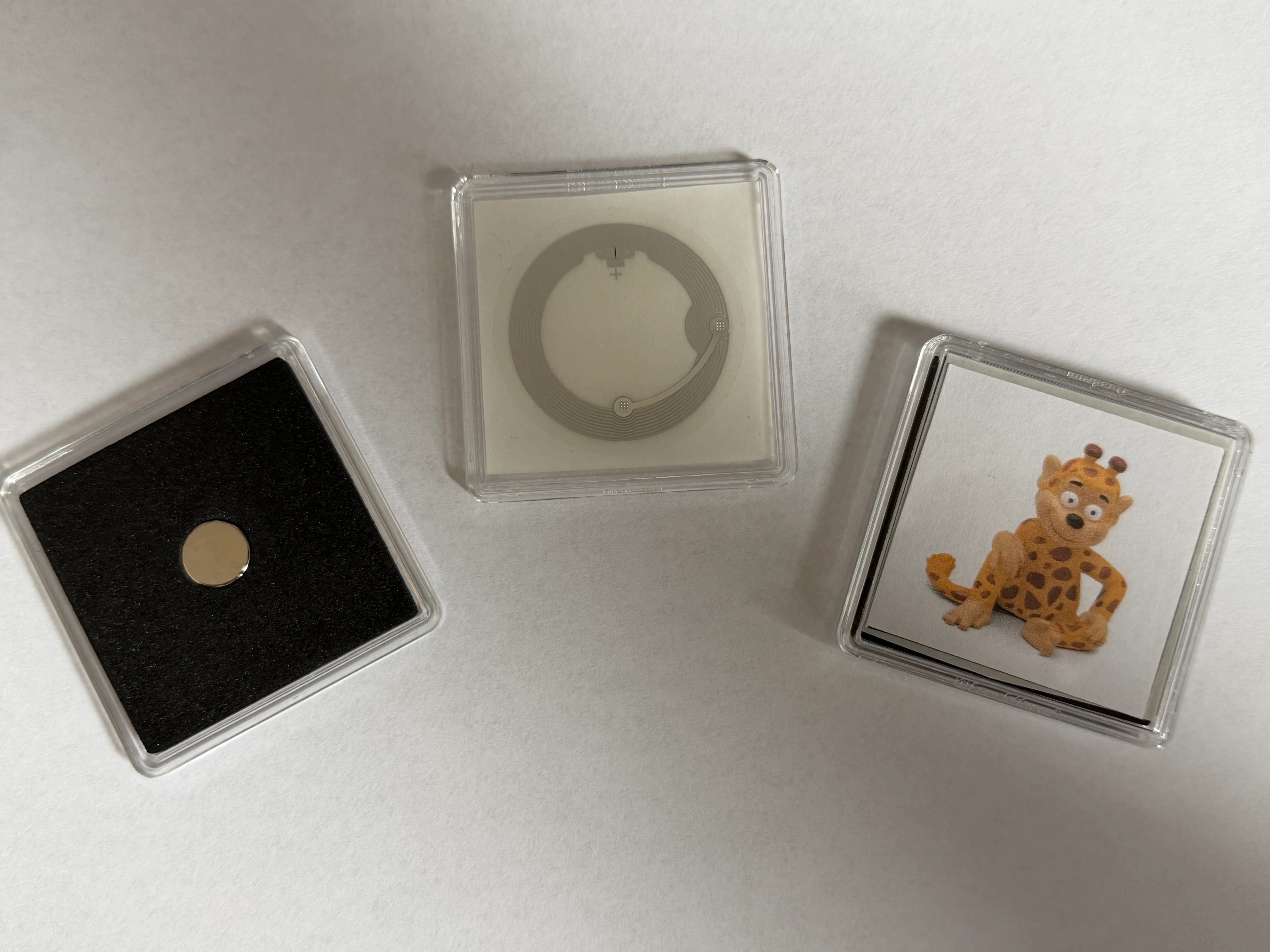
For the NFC tags I bought the transparent SLIX-L Toniebox-compatible RFID stickers from elecTricky . For the boxes I used Leuchtturm QUADRUM capsules with the 10mm cutout . The whole idea was heavily inspired by this forum post about square custom tags .
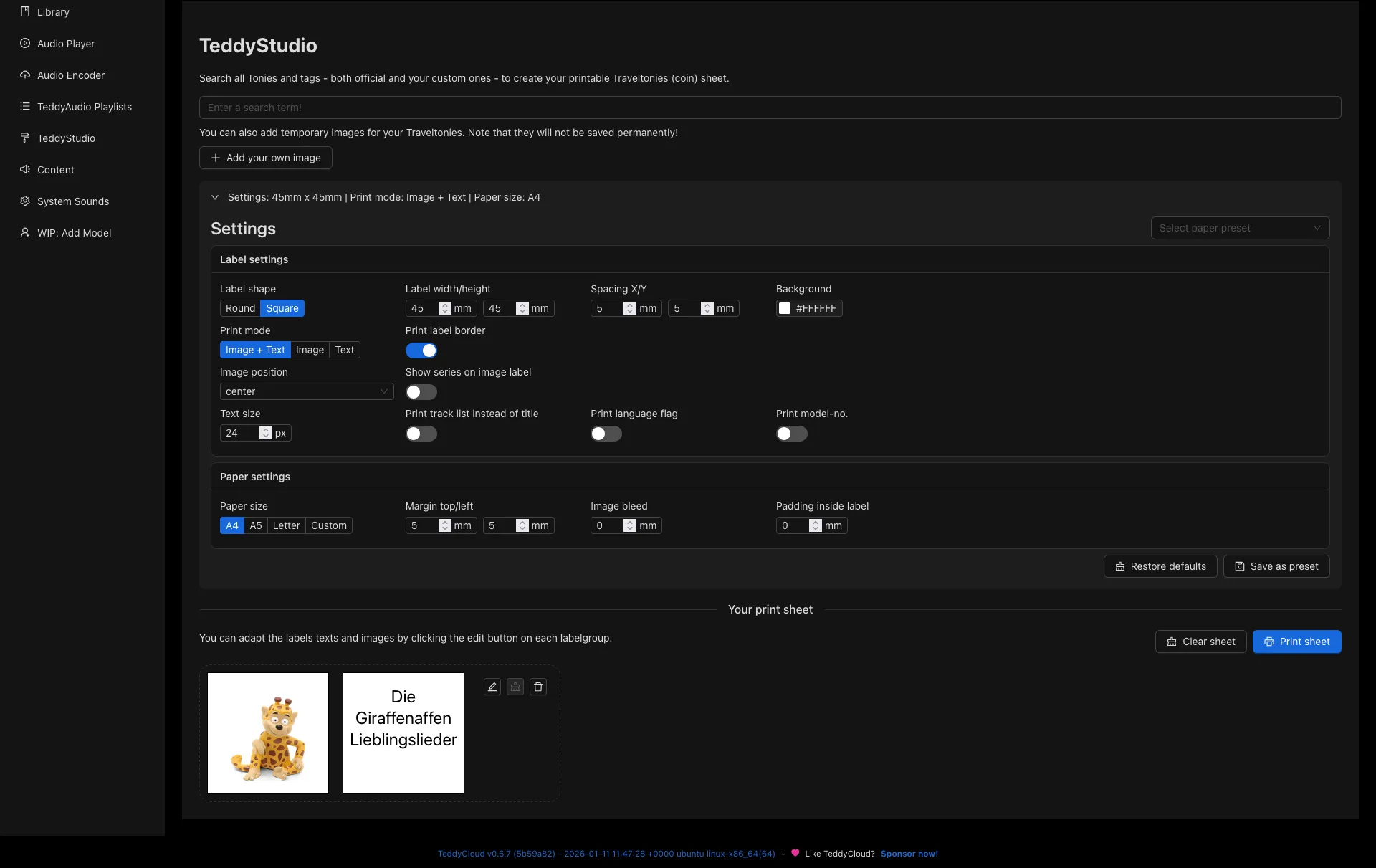
I like this solution a lot. Square tags work great for album art and audiobook covers and are easier to store in boxes. They feel a bit more like tiny CD cases. And since TeddyCloud now includes TeddyStudio, it has become really easy to design matching square pictures for these QUADRUM boxes.
Our local library
One thing that made the whole setup even better is our local library. They offer Tonies as part of their regular subscription.
That means we can borrow Tonies, try them at home without any pressure, and if my kid likes a story, I can keep it in our teddyCloud setup and reuse the audio files later even after we return the original Tonie. For us that makes the library membership much more valuable, because we do not have to buy every figure just to find out whether a story will be played more than once.
This is also where the custom tags are a great fit. They are our everyday versions of the Tonies we want to keep around.
Conclusion
What I like most about this setup is that it is not just technically interesting, but genuinely useful in everyday life. TeddyCloud gives me a lot of flexibility, the custom tags make it nicer to use, and the library fits into the whole thing almost absurdly well.
If I ever had to do it again, I would use the custom domain plus local DNS approach immediately. That was easily the best decision in the whole setup. Other than that I love the flexibility of the TeddyCloud. When my kid is old enough I will definitely use the custom tags to make some Drei Fragezeichen episodes.